Activity trail
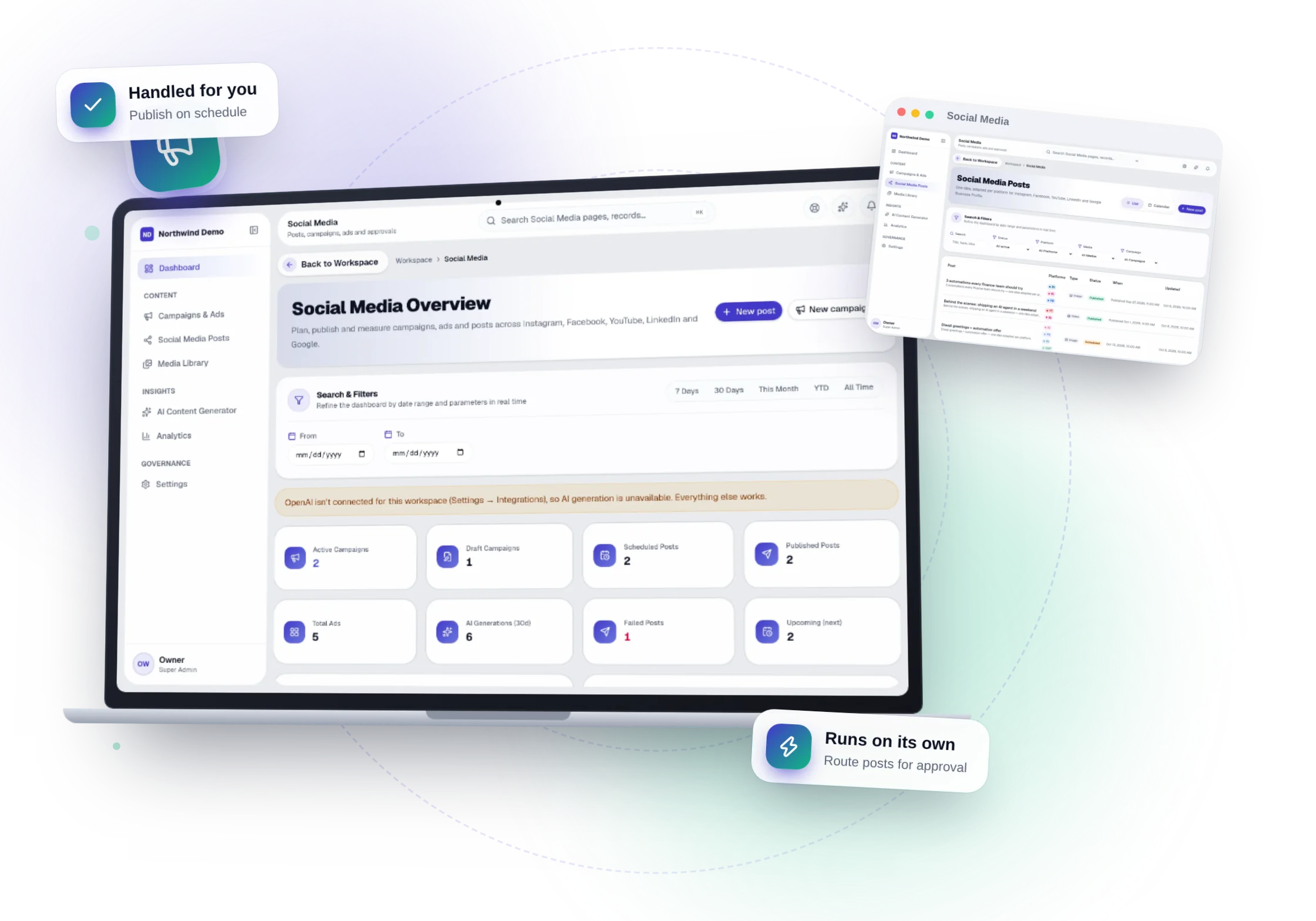
In simple words
Activity trail is part of Social Media. Recorded in the central audit log. You do not have to do anything for it to work — this guide shows you where to see it.
Where it fits in your work — Approve. Posts go through the approval step you choose.
Before you start
- You need to be signed in to your company's workspace. Social Media appears in the Workspace dashboard and in the left menu when your role includes it.
- What you can see and change depends on your role. If a menu item or button is missing, ask your workspace owner to give your role access in Workspace → Users.
- Activity trail belongs to Insight & control in Social Media. Recorded in the central audit log.
How it works
- 1
Step 1
Open Social Media
Sign in and open the Social Media panel from your Workspace dashboard (or sign in to it directly). You see only what your role allows.
- 2
Step 2
Nothing to set up
Activity trail works on its own. Recorded in the central audit log.
- 3
Step 3
See it at work
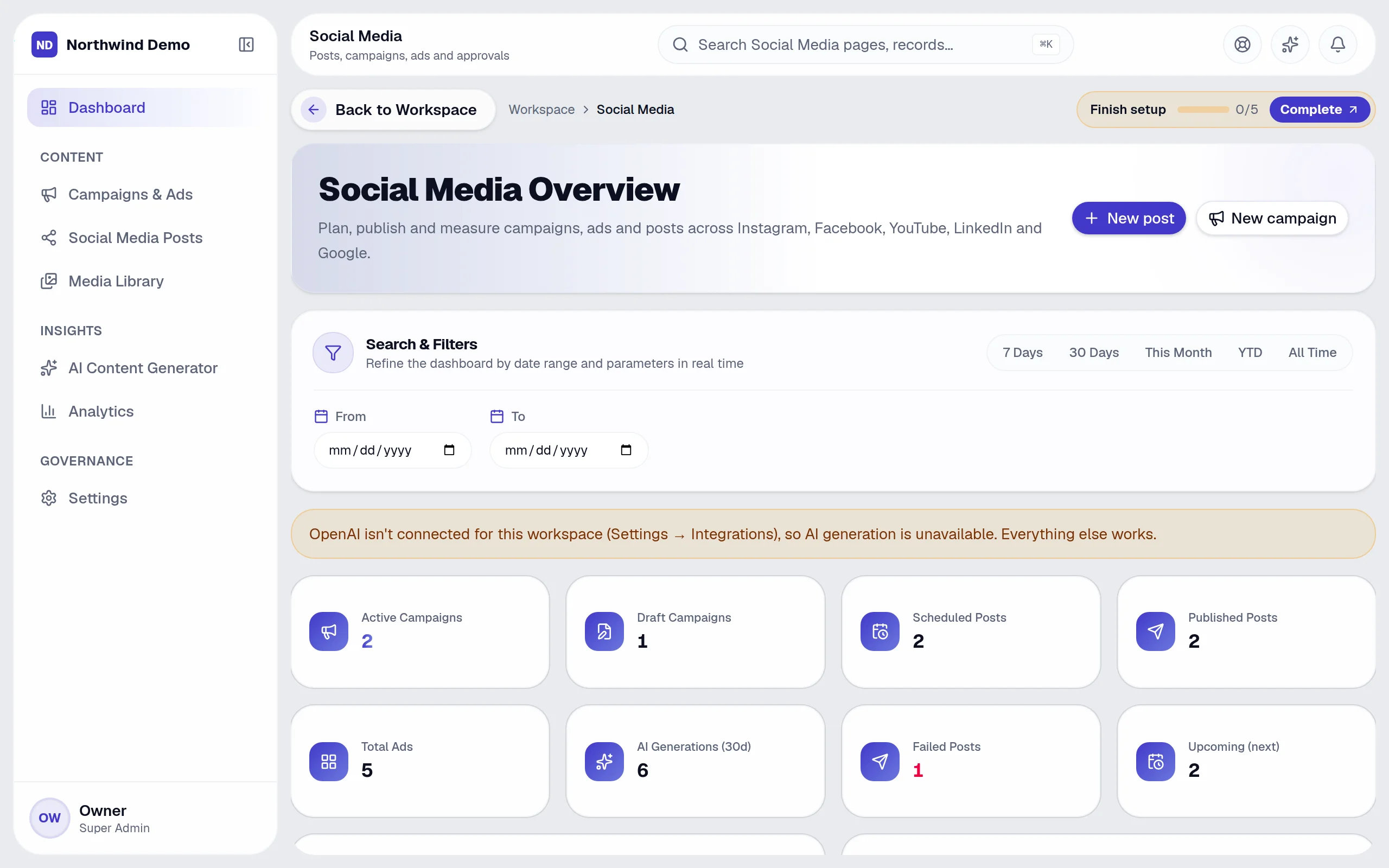
Open “Social Media Overview” — the screen on the right is where its effect shows.
Tips
- You can use more than one filter together (From, To) to see exactly the records you want.
- Click a row to open that record and see all of its details.
- If you make a mistake, open the record again and correct it. Changes are recorded against your name so your team can see who did what.
Quick recap
Open Social Media → Nothing to set up → See it at work
What it connects to
CRM & Sales
Campaign results next to the leads they brought in.
Website
Drive traffic to your website.
SEO
Content that supports your rankings.
What you will see on this screen
These are the parts of the Social Media Overview screen, exactly as they appear in the product.
Search and filters
- From
- To
Columns in the list
- Status
- Posts
- Campaigns
- Ads
Buttons
- New post
- New campaign
- 7 Days
- 30 Days
- This Month
- YTD
- All Time
- Apply
Sections
- Search & Filters
Why use Social Media
Social Media replaces social media management tools, on the same login and the same data.
- A steady, on-brand presence without a large content team
- AI drafts posts and images from a single idea
- Nothing publishes without the approval you choose
- Campaign performance next to your CRM results
Who uses Social Media
Marketers
Write briefs, plan campaigns and posts.
Content creators
Draft with AI and refine the tone.
Approvers
Review before anything goes live.
Leadership
See campaign and post performance.
More in Insight & control
FAQs
Common questions.
About Activity trail and Social Media.
I cannot see Activity trail in the menu.
Your role may not include it. Ask your workspace owner to open Workspace → Users and give your role access to Social Media.
Can I do this on my phone?
Yes. SelfRun AI works in the browser on any device and can be installed as an app on Android, iOS and desktop, with the same screens and the same data.
Does this cost extra?
No. Activity trail comes with the Social Media panel, and every panel is included in every plan.
What is SelfRun AI?
SelfRun AI is a cloud platform that brings your sales, HR, finance, projects, procurement, training, documents, website and team communication into one system, with AI and workflow automation running through all of it.
Do I need to use every module?
No. Each plan includes a set of modules and you switch on only what you need during setup. You can turn modules on or off later from your workspace settings.
Is there a free plan?
Yes. The Free plan is free forever for one person and includes every panel and every feature — no card needed. Paid plans add more people and bigger storage, AI, email and voice allowances.