
Security & admin · 4 min read

Sessions, devices and the audit log

See where you are signed in and who did what across every panel.
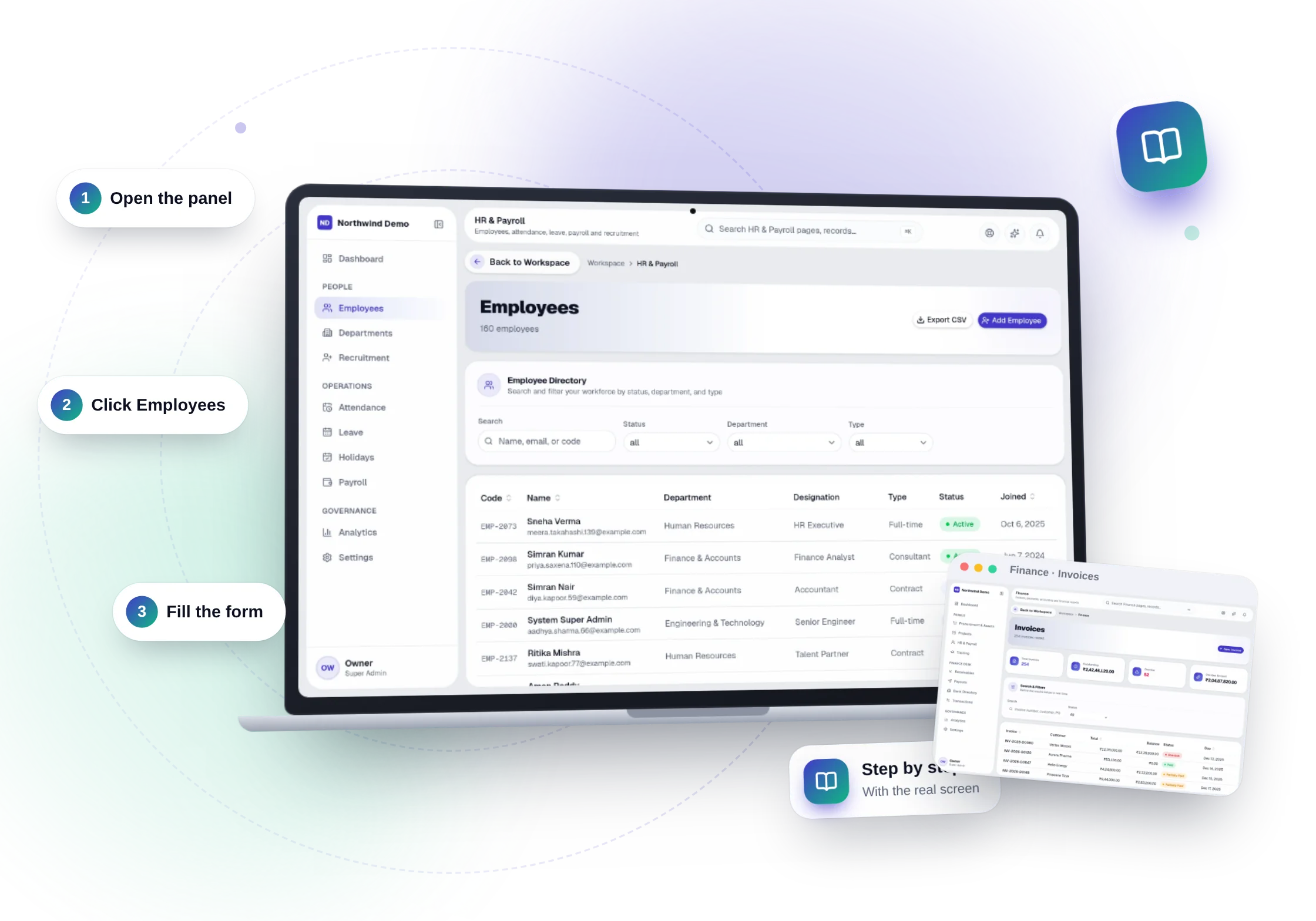
Sessions, devices and the audit log — the real product, on its own artwork
Sessions, devices and the audit log — real screen of the product on a laptop

1Your sessions and devices

Open Profile & Settings from the user block at the bottom of the sidebar and choose Sessions & Devices. Every signed-in device is listed with where it signed in from; log out one, all others, or everywhere.

2Sign-in history

Sign-ins, failed attempts and sign-outs are kept for 180 days, with an alert flag when a sign-in comes from a country the account has not used before.

3The audit log

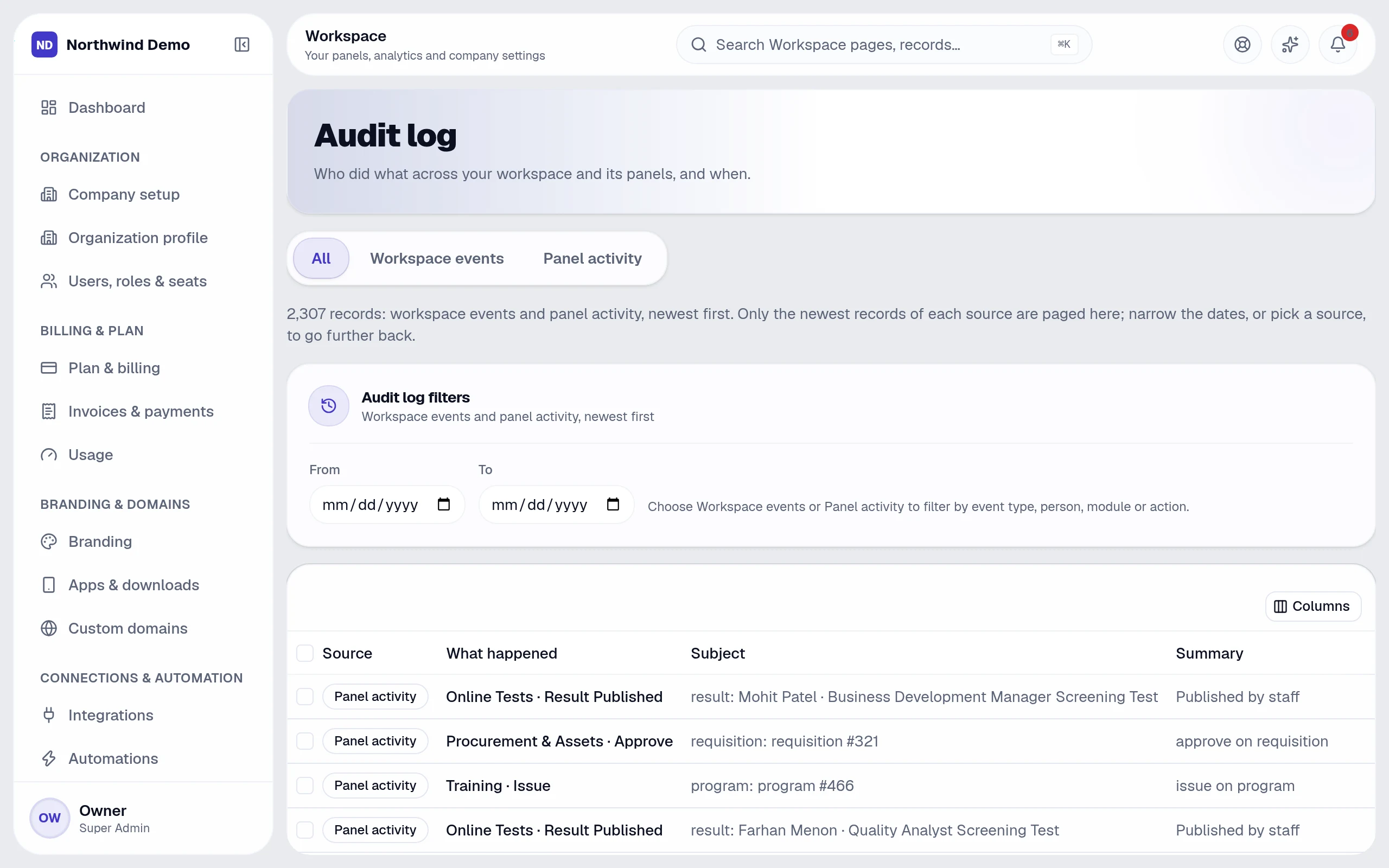
Workspace → Audit log is the one place for who did what, and when — across every panel. Filter by panel, action and date, and export to CSV.

The audit log — real screen of the product on a laptop

Put this guide to work — free.

Every panel and every feature is included in every plan, starting free forever.

Free forever for one personNo card neededEvery panel and feature included

FAQs

Questions, answered.

Still deciding? These are the things people ask before they start.

Will my team and clients see SelfRun's brand?

No. Your logo, name, colours, domain, emails and apps carry your company's identity. SelfRun stays in the background.

Can I have my own mobile and desktop apps?

Yes. The platform generates your installable app, Android and iOS apps and Windows, macOS and Linux desktop apps from your branding. For the stores you sign the Android and iOS projects with your own developer accounts.

Can I use more than one website theme?

Yes. The theme library lets you preview, activate and customise themes — colours, fonts and components — and switch whenever you like.

Do push notifications come from my company?

Yes. Push notifications reach your team and your website visitors in your name, on the devices where they have allowed them.

What can I ask the AI?

Anything about your business data in plain language — for example overdue invoices, leads by source, who is on leave or which projects are late. It answers with text, a table or a chart and shows how it calculated the answer.