
1Where leads come from
Leads arrive from your website forms, campaigns, manual entry and CSV import. Each one lands in the CRM & Sales panel with its source, so you can see what brings enquiries in.
2Work the pipeline
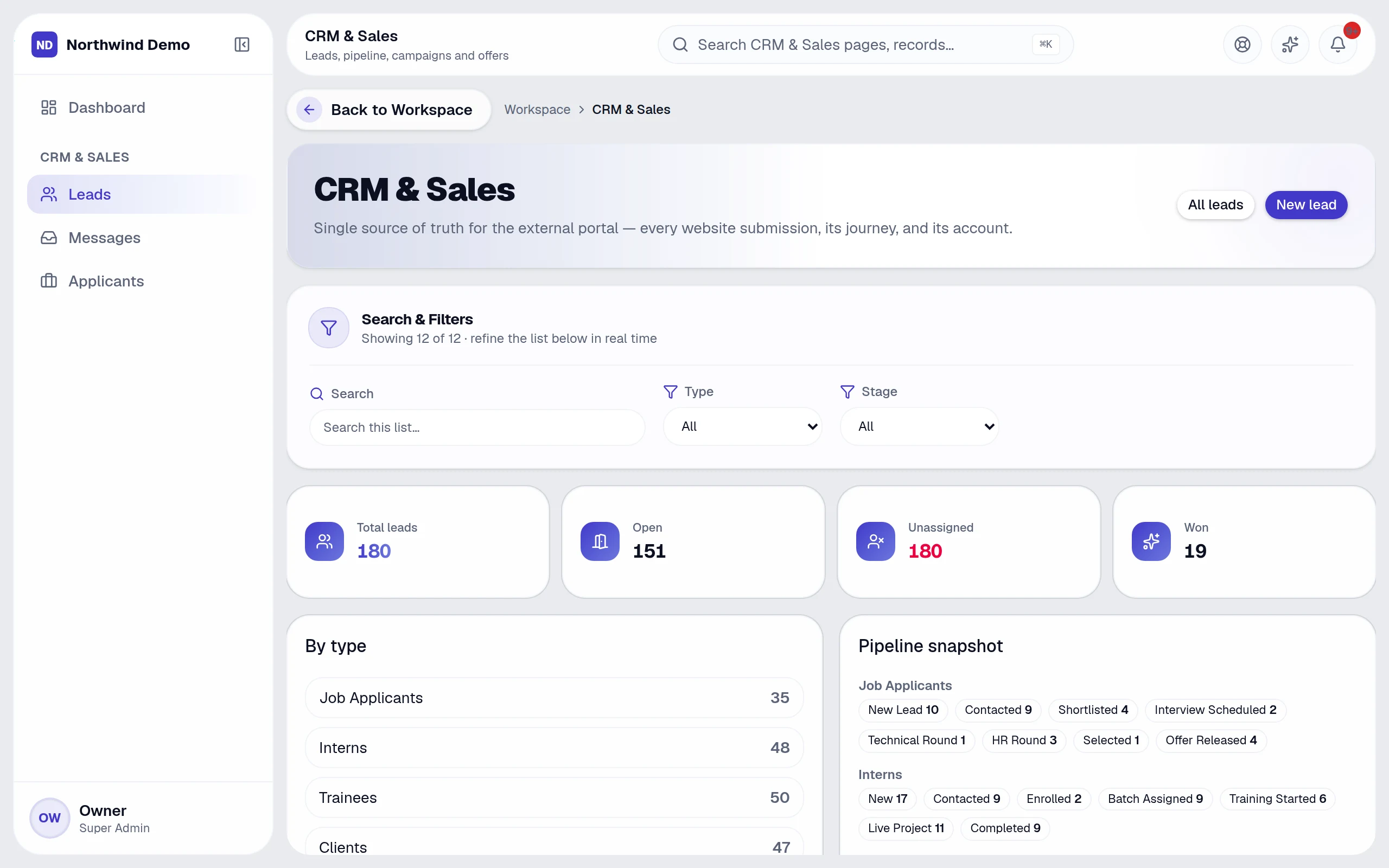
- Every lead has an owner, a status (New, In progress, Completed, Rejected) and a due date
- Notes and two-way messages keep the history on the lead
- Pending-task alerts flag leads untouched for several days
- Saved filters segment by category, status, source and date range
3Measure what works
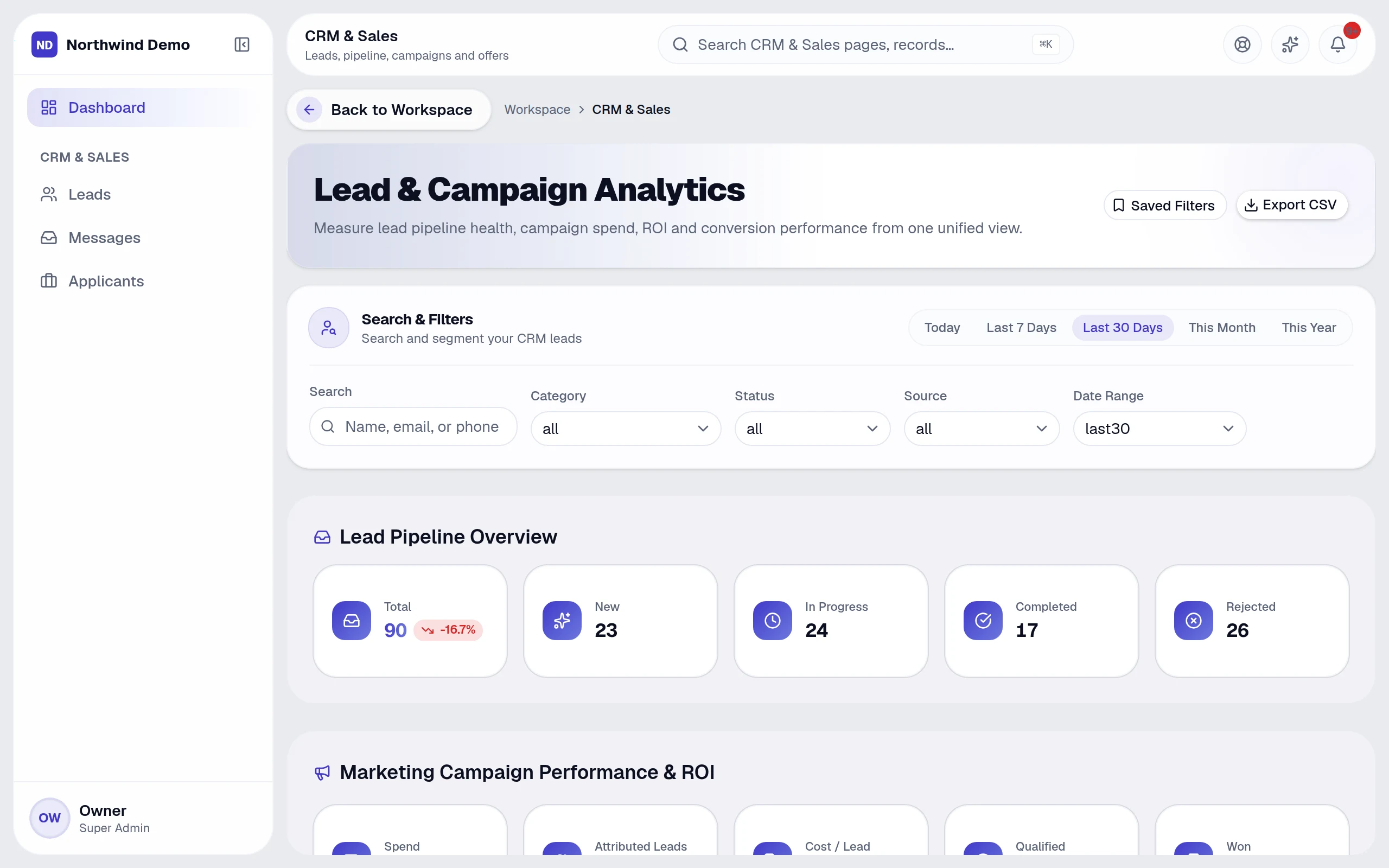
The dashboard shows pipeline health, campaign spend, attributed leads, cost per lead, qualified leads, won deals, revenue and ROI. Export the current view to CSV at any time.
4When a deal is won
Marking a lead won can create the client record, so projects and invoices start without re-entering details.
Related guides