
People & finance · 6 min read

Send invoices and get paid online

Invoices, payment links, receipts and the ledger — kept in step automatically.
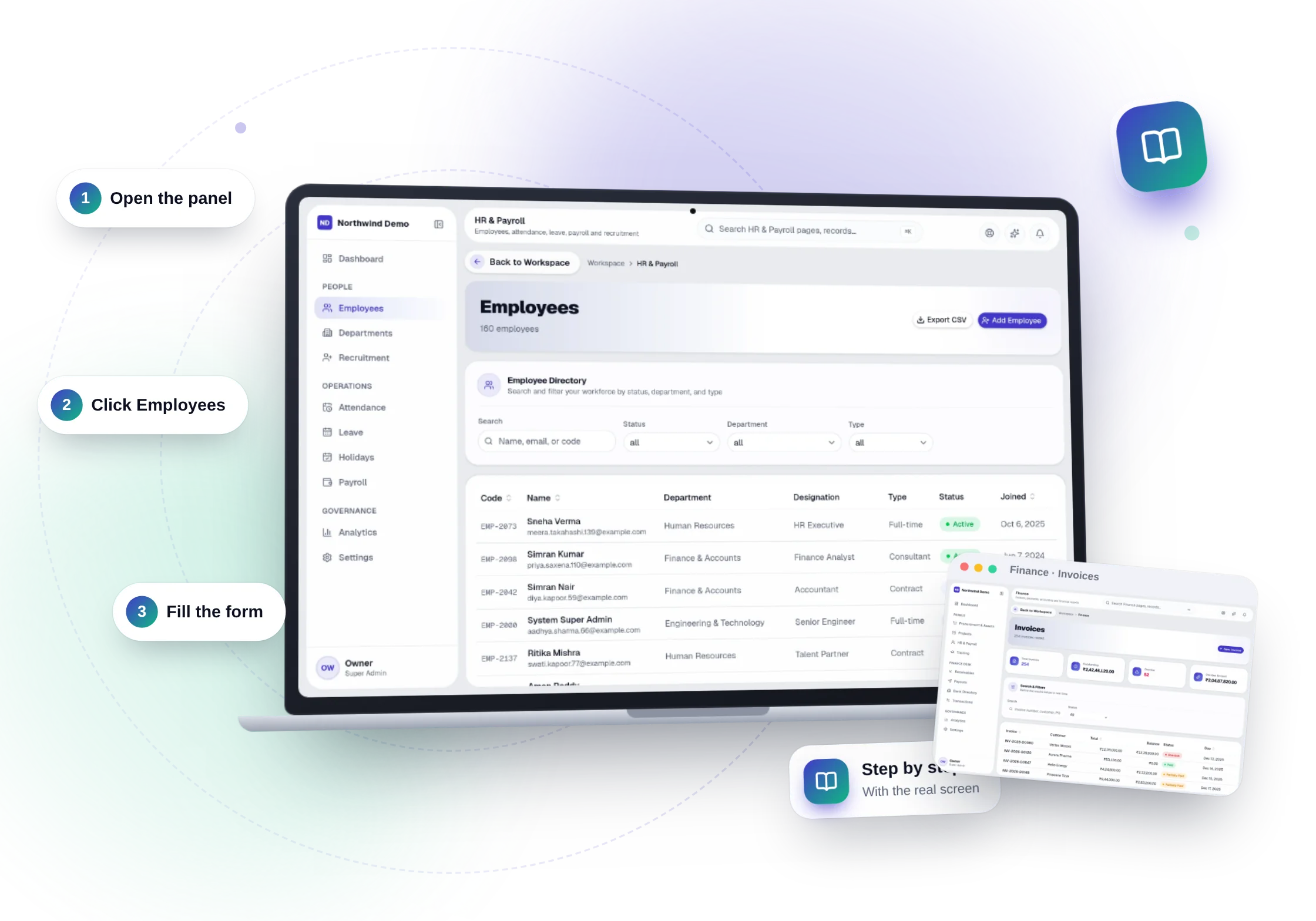
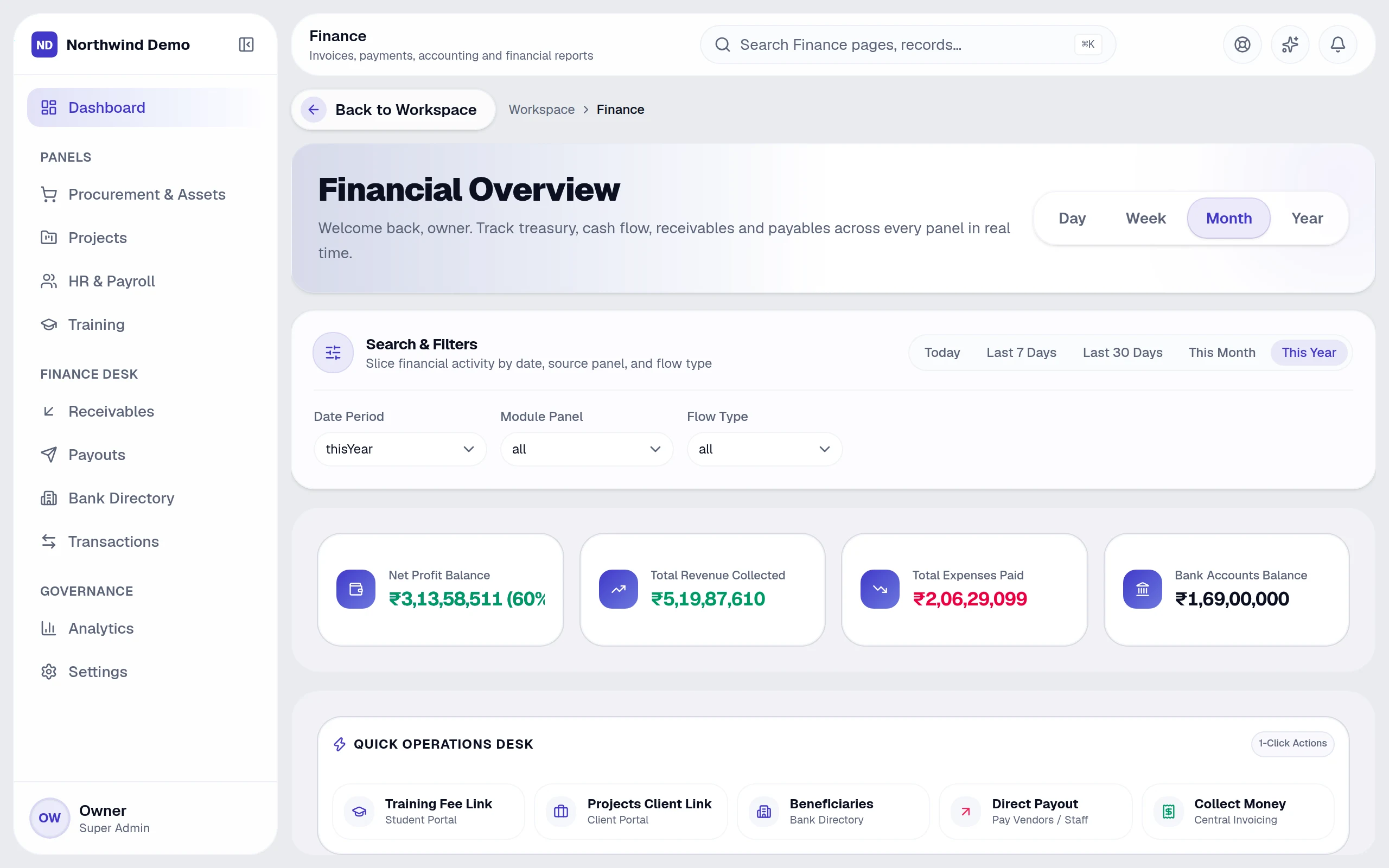
Send invoices and get paid online — the real product, on its own artwork
Send invoices and get paid online — real screen of the product on a laptop

1The money-in flow

Finance → Invoices creates and sends invoices. Each can carry a payment link, so the customer pays online; the receipt and the ledger update on their own.
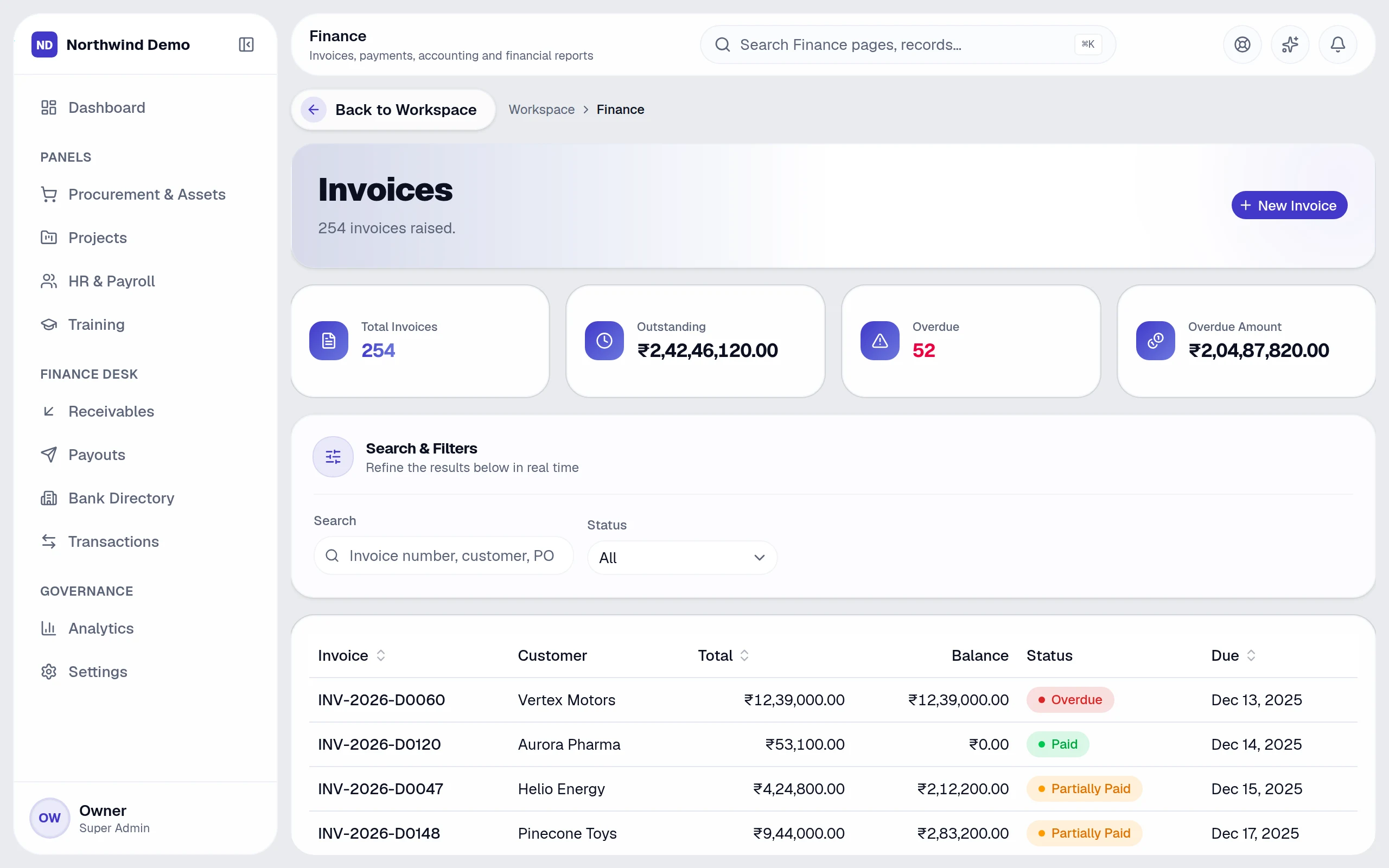
The money-in flow — real screen of the product on a laptop

2Everything around the invoice

  • Credit notes adjust an invoice cleanly
  • Receipts and refunds keep a trail
  • Receivables shows everything customers owe
  • Payment links can also be created for a student fee or a client project

3Connect your payment account

To collect through your own gateway account, connect it under Workspace → Payment account (it is the same account used for paying salaries).

4Chase what is overdue

Switch on the overdue-invoice automation to remind customers and notify your finance team.

Put this guide to work — free.

Every panel and every feature is included in every plan, starting free forever.

Free forever for one personNo card neededEvery panel and feature included

FAQs

Questions, answered.

Still deciding? These are the things people ask before they start.

Will my team and clients see SelfRun's brand?

No. Your logo, name, colours, domain, emails and apps carry your company's identity. SelfRun stays in the background.

Can I have my own mobile and desktop apps?

Yes. The platform generates your installable app, Android and iOS apps and Windows, macOS and Linux desktop apps from your branding. For the stores you sign the Android and iOS projects with your own developer accounts.

Can I use more than one website theme?

Yes. The theme library lets you preview, activate and customise themes — colours, fonts and components — and switch whenever you like.

Do push notifications come from my company?

Yes. Push notifications reach your team and your website visitors in your name, on the devices where they have allowed them.

What can I ask the AI?

Anything about your business data in plain language — for example overdue invoices, leads by source, who is on leave or which projects are late. It answers with text, a table or a chart and shows how it calculated the answer.