
1Invitations
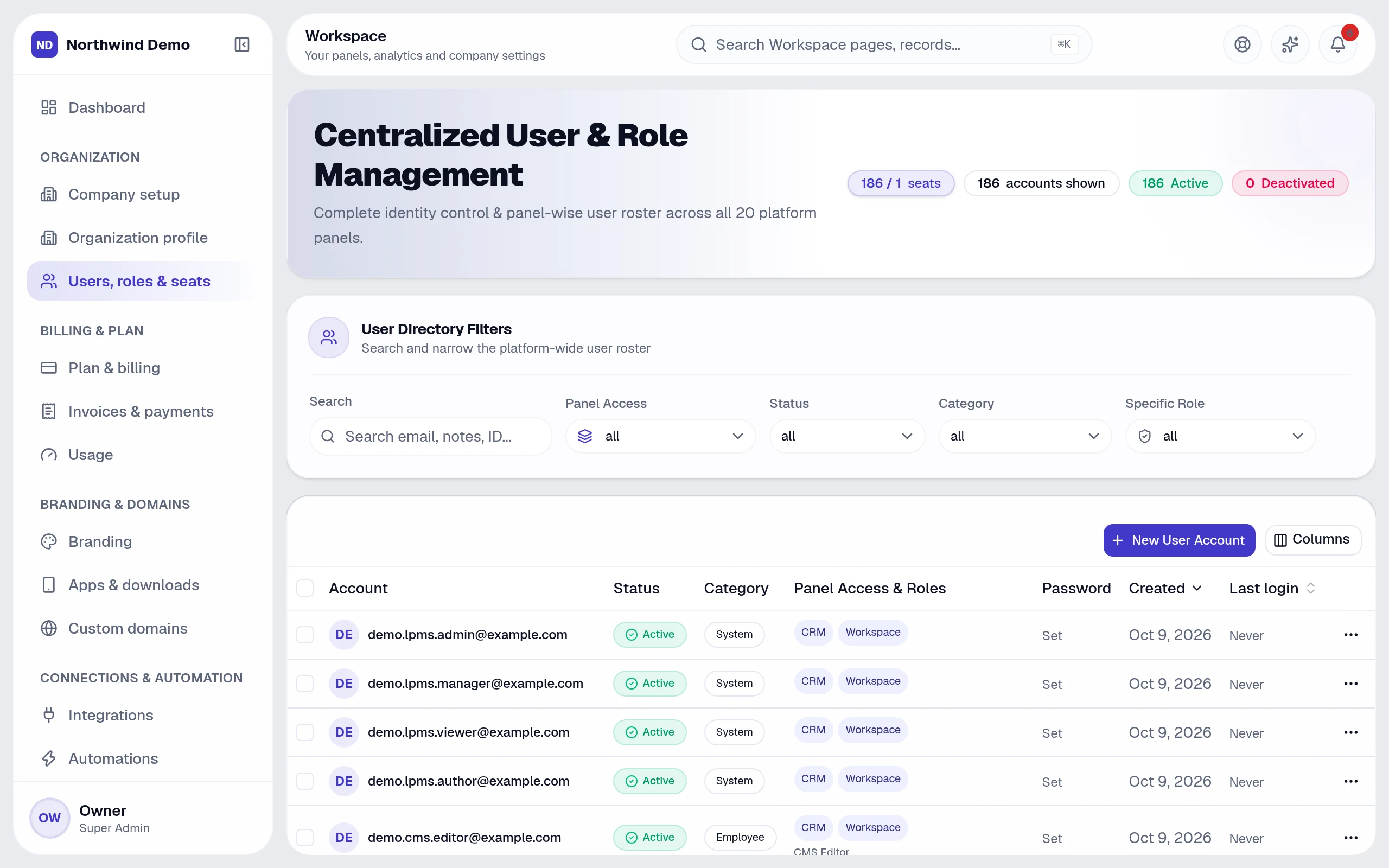
From Workspace → Users, roles & seats, invite someone by email and give them a role. They accept the invitation, verify their email and sign in with the same login for every panel they are allowed to use.
2Roles and permissions
Each panel has its own roles — for example administrator, manager and employee. On top of a role you can grant or remove a single permission for one person, such as exporting reports or approving payments.
3Seats
The plan sets how many people your company can have. The Users screen and Usage show how many seats you have used.
4Review regularly
The audit log shows who changed what, so you can review access as the team changes.
Related guides