Loading…
Fetching your data…
SelfRunBusiness
Securing your session…
Fetching your data…
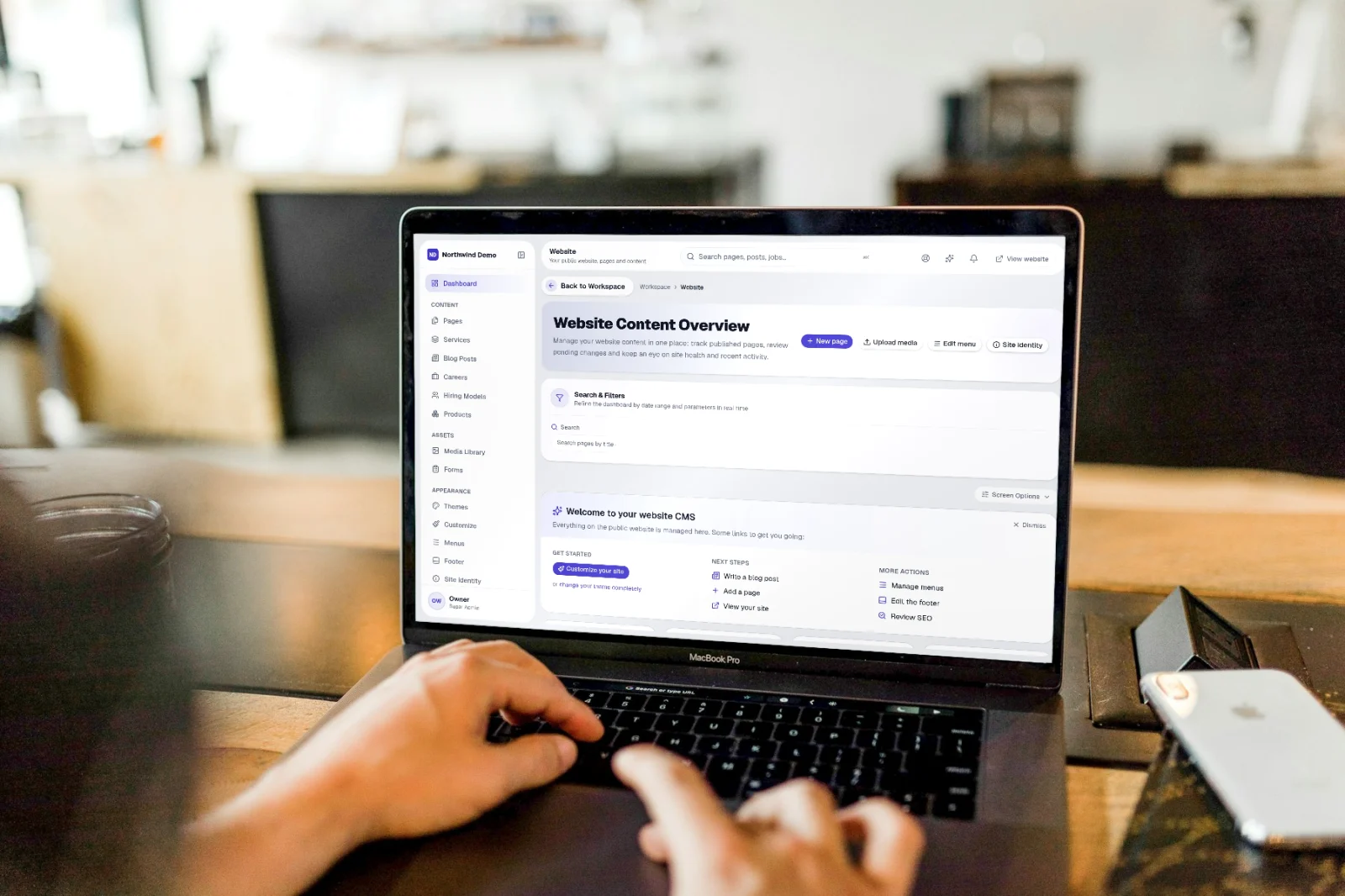
Audit trail is part of SelfRun SiteCraft AI. Recorded in the central audit log. You do not have to do anything for it to work — this guide shows you where to see it.
Where it fits in your work — Grow. Forms feed SelfRun DealFlow AI; offers, wallet credits, push notifications and the AI chatbot bring visitors back.
Step 1
Open SelfRun SiteCraft AI
Sign in and open the SelfRun SiteCraft AI product from your Workspace dashboard (or sign in to it directly). You see only what your role allows.
Step 2
Nothing to set up
Audit trail works on its own. Recorded in the central audit log.
Step 3
See it at work
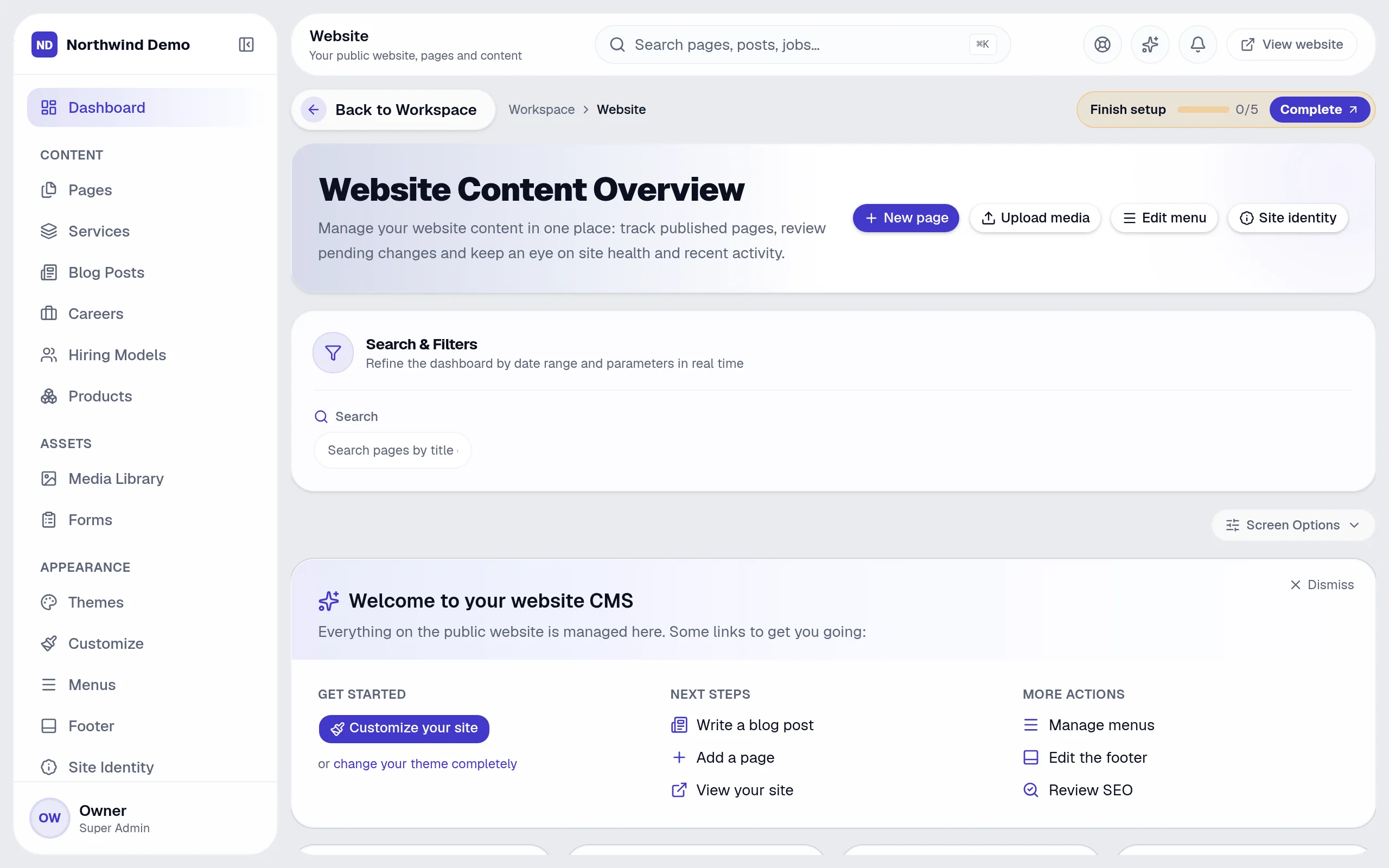
Open “Website Content Overview” — the screen on the right is where its effect shows.
Open SelfRun SiteCraft AI → Nothing to set up → See it at work
SelfRun DealFlow AI
Every form submission becomes a lead.
SelfRun RankMax AI
SEO tools read and drive the site.
SelfRun AgentOS
The website chatbot uses your knowledge base.
SelfRun ClientOS
Rewards and referrals extend into the portal.
These are the parts of the Website Content Overview screen, exactly as they appear in the product.
Search and filters
Buttons
Sections
SelfRun SiteCraft AI replaces website builder, cms & marketing tools and runs independently with its own sign-in and database.
Marketing & content
Edit pages and blog posts, run offers and campaigns.
Designers
Pick and customise themes, menus and the footer.
Approvers
Review pages waiting to be published.
Customer-facing teams
Review chatbot and voice conversations.
FAQs
About Audit trail and SelfRun SiteCraft AI.
Your role may not include it. Ask your workspace owner to open Workspace → Users and give your role access to SelfRun SiteCraft AI.
Yes. SelfRun AI works in the browser on any device and can be installed as an app on Android, iOS and desktop, with the same screens and the same data.
No. Audit trail comes with the SelfRun SiteCraft AI product, and every product is included in every plan.
SelfRun AI is a cloud platform that brings your sales, HR, finance, projects, procurement, training, documents, website and team communication into one system, with AI and workflow automation running through all of it.
No. Each plan includes a set of modules and you switch on only what you need during setup. You can turn modules on or off later from your workspace settings.
Yes. The Free plan is free forever and includes every product and every feature — no card needed. Paid plans add more people and bigger storage, AI, email and voice allowances.