Loading…
Fetching your data…
SelfRunBusiness
Securing your session…
Fetching your data…
20
features
3
automations out of the box
1 product
replaces training tools
Every plan
free forever included
Overview
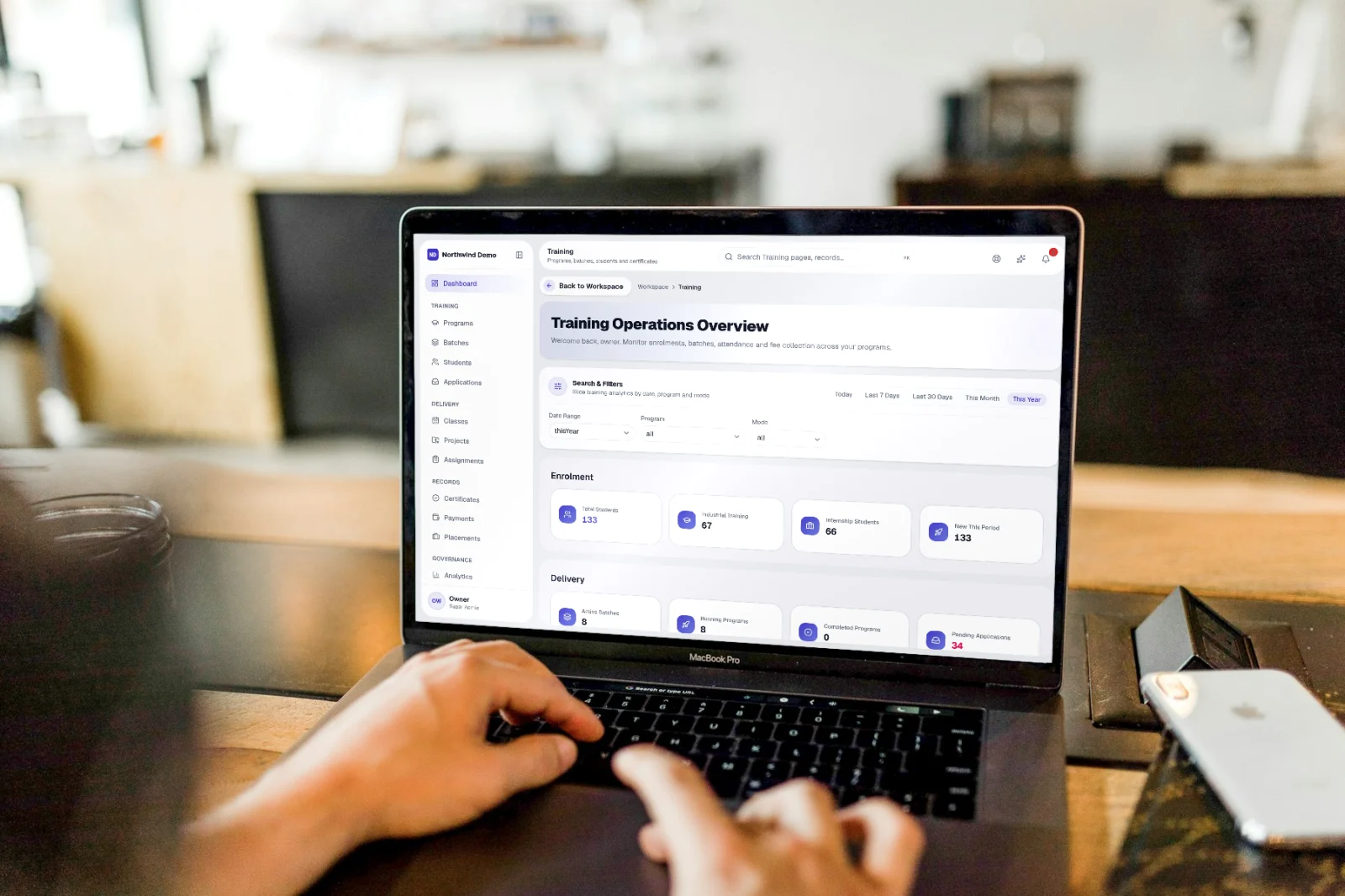
Programs, batches, students, fees and certificates — for institutes and corporate training teams — with a portal for every student.
“The result
Organised batches, engaged students and certificates issued without manual work.
Key capabilities
What it covers
Replaces
Training & learning management software
Best for
Training managers · Mentors & trainers · Admissions · Students
From start to finish
Why teams use it
It replaces training & learning management software and runs independently, with its own sign-in and database. You can manage it alongside other SelfRun products from one place.
Run programs, batches and fees without spreadsheets
Students get their own portal for classes, work and certificates
Certificates issued with public verification
Fee reminders go out on their own
Who uses it
People see and do only what their role allows, so each person gets a screen that fits their job.
Design programs and batches and watch enrolment and revenue.
Run classes, review assignments and guide projects.
Take applications and enrol students.
Use their own portal for schedule, work, certificates and payments.
How it works
Programs, batches, students, fees and certificates — for institutes and corporate training teams — with a portal for every student.
Step 01
Applications arrive as a list or board; accepted students join a batch.
Step 02
Classes, attendance, assignments and live projects run on the batch schedule.
Step 03
Fees, instalments and receipts with reminders for pending payments.
Step 04
Certificates are issued on completion and can be verified publicly.
20 features
Grouped the way the product's own menu groups them. All of it is included in every plan.
Programs
Courses and curriculum
Batches
Groups with schedule, mentors and capacity
Batch calendar
All batches on one calendar
Students
Records, progress and attendance
Applications
Enrolment requests, as a list or a board
Classes
Schedules and attendance
Projects
Live projects for students
Assignments
Set, submit and review
Mentor tools
Guide students through the program
Certificates
Issued with public verification
Payments
Fees, instalments, receipts and reminders
Placements
Track student placements
Reports
Enrolment, attendance and revenue
My dashboard
Everything a student needs
My program & batch
Curriculum and classmates
Class schedule
Upcoming classes
My assignments & projects
Submit and get feedback
Runs automatically
These happen on their own — notifications, reminders and hand-offs to other products. Every run is logged, and you can pause any workflow.
Notify students about upcoming classes
Issue a certificate when a program is completed
Remind students about pending fees
Build your own in Workspace → Automations.
Optional product workflows
SelfRun Cohort AI works on its own. If you want a handoff to another product, configure an automation for that workflow; no other product is required to use SelfRun Cohort AI.
Ask AI
Plain-language questions, answered from your real records — with the working shown.
Screens
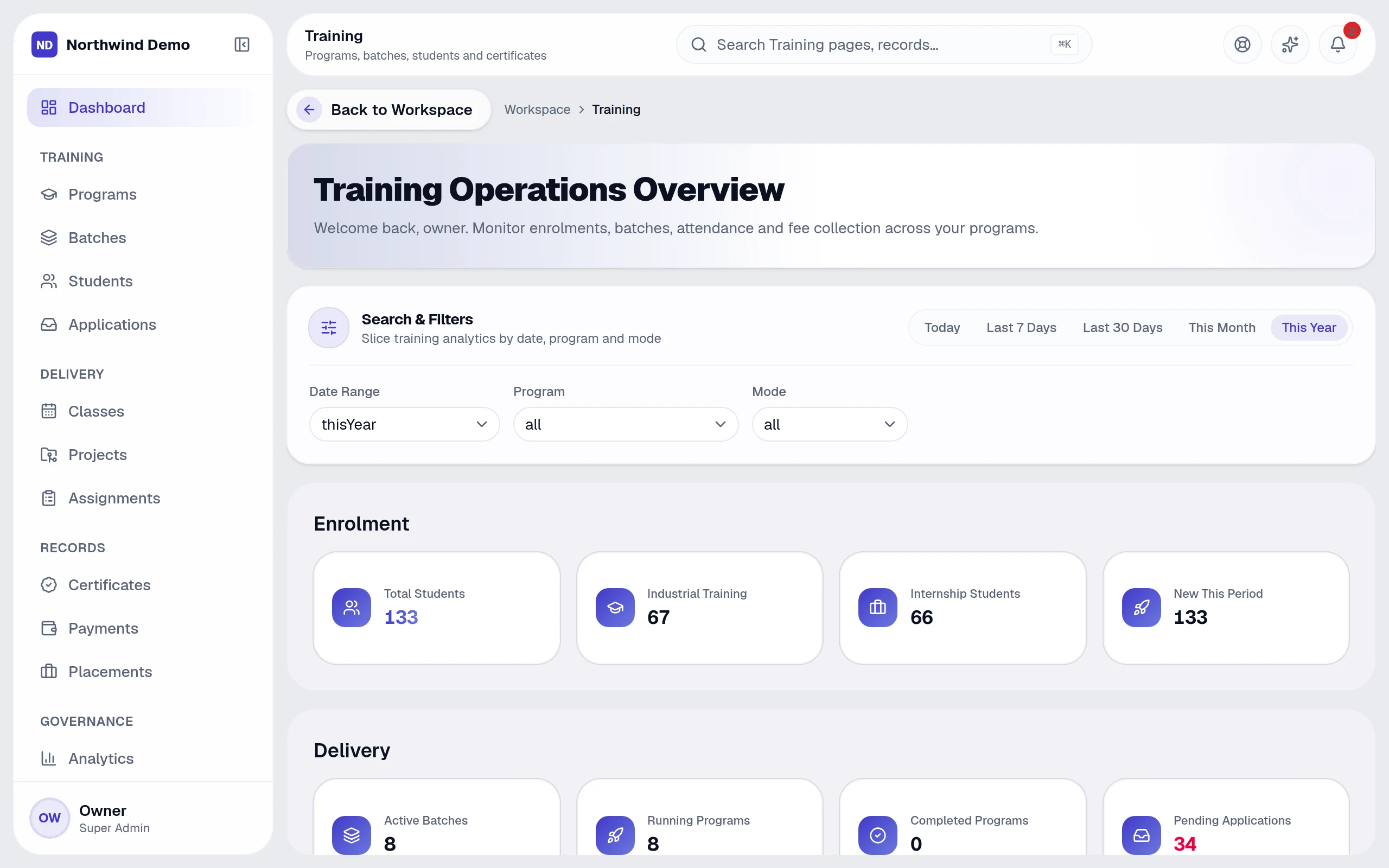
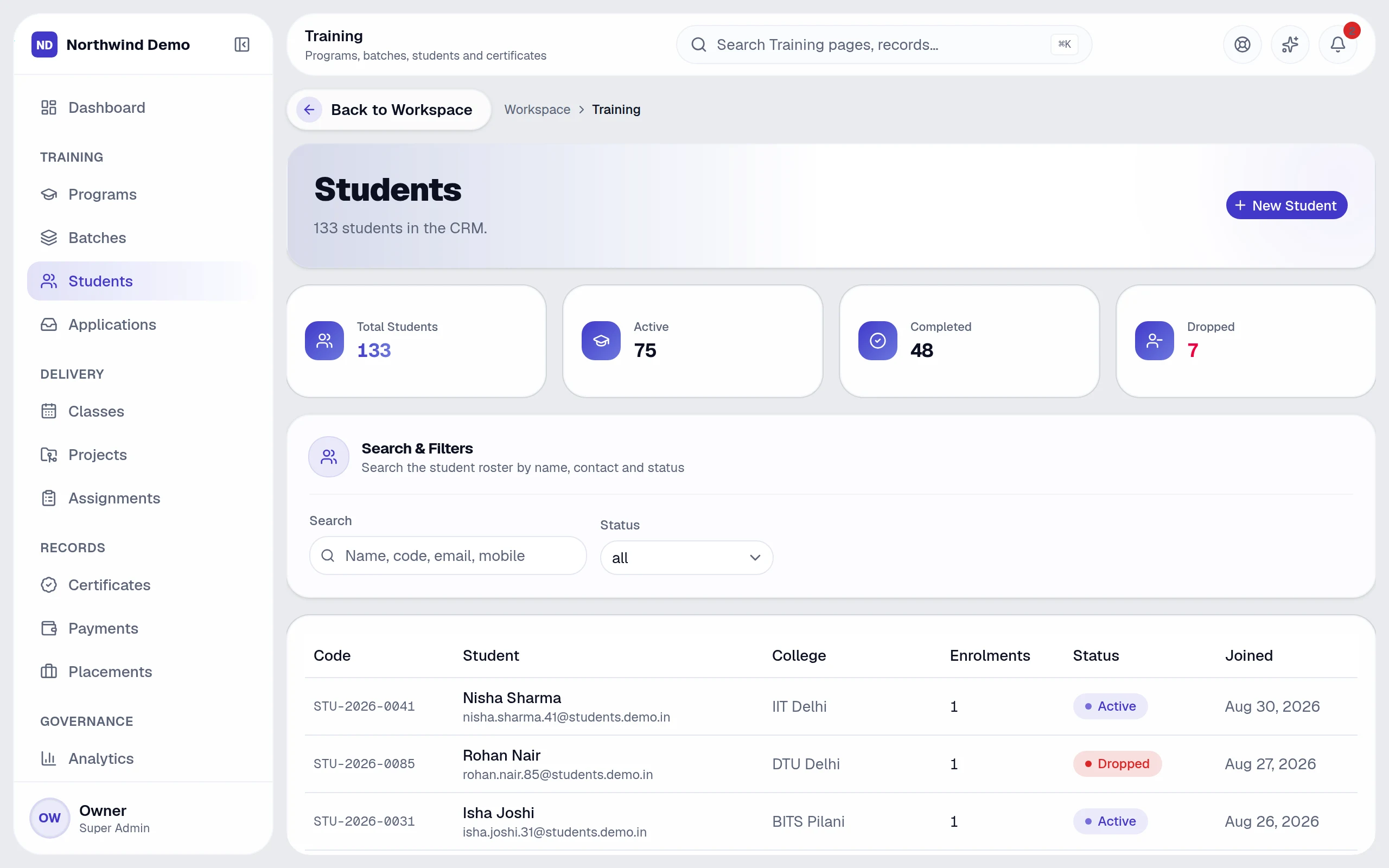
Real, full-resolution screens of the live product, captured in a demo workspace with sample data.
Every product and every feature is included in every plan, starting free, no card needed.
FAQs
Still deciding? These are the things people ask before they start.
No. Every record belongs to one company and the platform adds that company to every database query itself, so a page, report or export cannot ask for another company's rows. See Security & Trust.
No. Business questions use read-only queries with the asker's permissions. When an assistant proposes to create, edit or delete something, nothing happens until the person approves it, deletes ask for a second confirmation, and every action is logged.
Yes. Tables can be exported to CSV or Excel and documents downloaded as PDF. If you cancel, the workspace stays readable so you can export, and you can ask for permanent deletion of your company's data.
Only people with the specific permission for them. Payroll, salary, bank and statement views are limited by role, even for managers, and every export and change is recorded in the audit log.
Anything about your business data in plain language — for example overdue invoices, leads by source, who is on leave or which projects are late. It answers with text, a table or a chart and shows how it calculated the answer.
My certificates
Download and share
My payments
Pay fees online
Profile
Keep details current