
How to Build a Free Website in One Minute Using AI
Key Takeaways
- No coding, HTML, or server setup is required to publish a live business website.
- SelfRun AI generates starter pages, brand colors, and contact forms automatically upon workspace creation.
- Connect your custom domain in seconds with automatic, free TLS/SSL encryption.
- Inbound website form inquiries flow directly into your built-in CRM pipeline without Zapier or third-party plugins.
Why Building a Website No Longer Needs an Agency
For years, getting a small business online meant hiring an external web designer, waiting four to eight weeks, and spending thousands of dollars before a single customer could visit your page. Even no-code page builders often become confusing mazes of plugin updates, hosting configurations, and broken mobile layouts.
SelfRun AI approaches website creation from a fundamentally different angle. Instead of treating your website as an isolated project disconnected from the rest of your business, the platform treats your website as the front door of your unified operations. The moment you register your company workspace, a fully functional, mobile-ready website is generated and live immediately.
This means you can go from having no online presence to sharing a live, secure website link with potential clients before your coffee gets cold.
Step 1: Create Your Workspace and Let AI Structure Your Pages
When you sign up at SelfRun AI, you enter your company name, primary industry, and work email. Behind the scenes, the website engine automatically provisions your core pages: Home, Features, About Us, Contact, and Services.
Unlike generic templates that come pre-filled with meaningless Latin placeholder text, SelfRun AI drafts clean, sensible headlines and descriptions suited to your line of work. A consulting firm gets service blocks and client engagement outlines, while a digital agency gets project highlights and inquiry forms.
You can preview your website instantly on your free subdomain (such as yourcompany.selfrunbusiness.com) to see how everything looks on desktop, tablet, and smartphone screens.
Step 2: Personalize Your Brand Colors and Content in Clicks
Every business has its own personality. Open SelfRun SiteCraft AI inside your workspace to upload your logo and choose your primary brand accent color. In one click, the system updates your navigation header, buttons, banners, and footer across every page.
Editing text is as simple as typing into a document. If you want to refine a headline or expand your service descriptions, select the block and type directly. You can also prompt the built-in AI assistant: ask it to make your opening paragraph more conversational, emphasize your twenty-four-hour customer support, or highlight your customer satisfaction guarantee.
Because the layout engine enforces clean visual hierarchy and balanced spacing, your site looks professionally designed without you having to worry about font pairings or CSS breakpoints.
Step 3: Connect Forms Directly to Your Built-in CRM
The biggest flaw of traditional standalone websites is lead leakage. When a visitor fills out a contact form on WordPress or Squarespace, the submission usually sits in an email inbox or gets lost in spam filters.
With SelfRun AI, every contact form, inquiry button, and newsletter signup connects directly to SelfRun DealFlow AI. When a prospective client submits their phone number and project requirements, three things happen instantly: a new lead card appears on your sales board, an email alert notifies your team, and an automated confirmation email reaches the customer.
The website and sales product each keep their own data. Configure a form integration or workflow to send enquiries to DealFlow AI; the website and sales pipeline continue to run independently.
Step 4: Connect Your Own Domain with Automatic SSL
When you are ready to point your primary company domain (such as acmeconsulting.com) to your new site, open Settings > Domains in your workspace. Enter your domain name and copy the two DNS records shown on your screen.
Once you add those records to your domain registrar (like Namecheap, GoDaddy, or Cloudflare), SelfRun AI verifies the connection and provisions a free, automatic TLS certificate. Your site stays protected with HTTPS, and the certificate renews automatically every ninety days with zero manual maintenance.
Actionable Tips for Your Website Launch
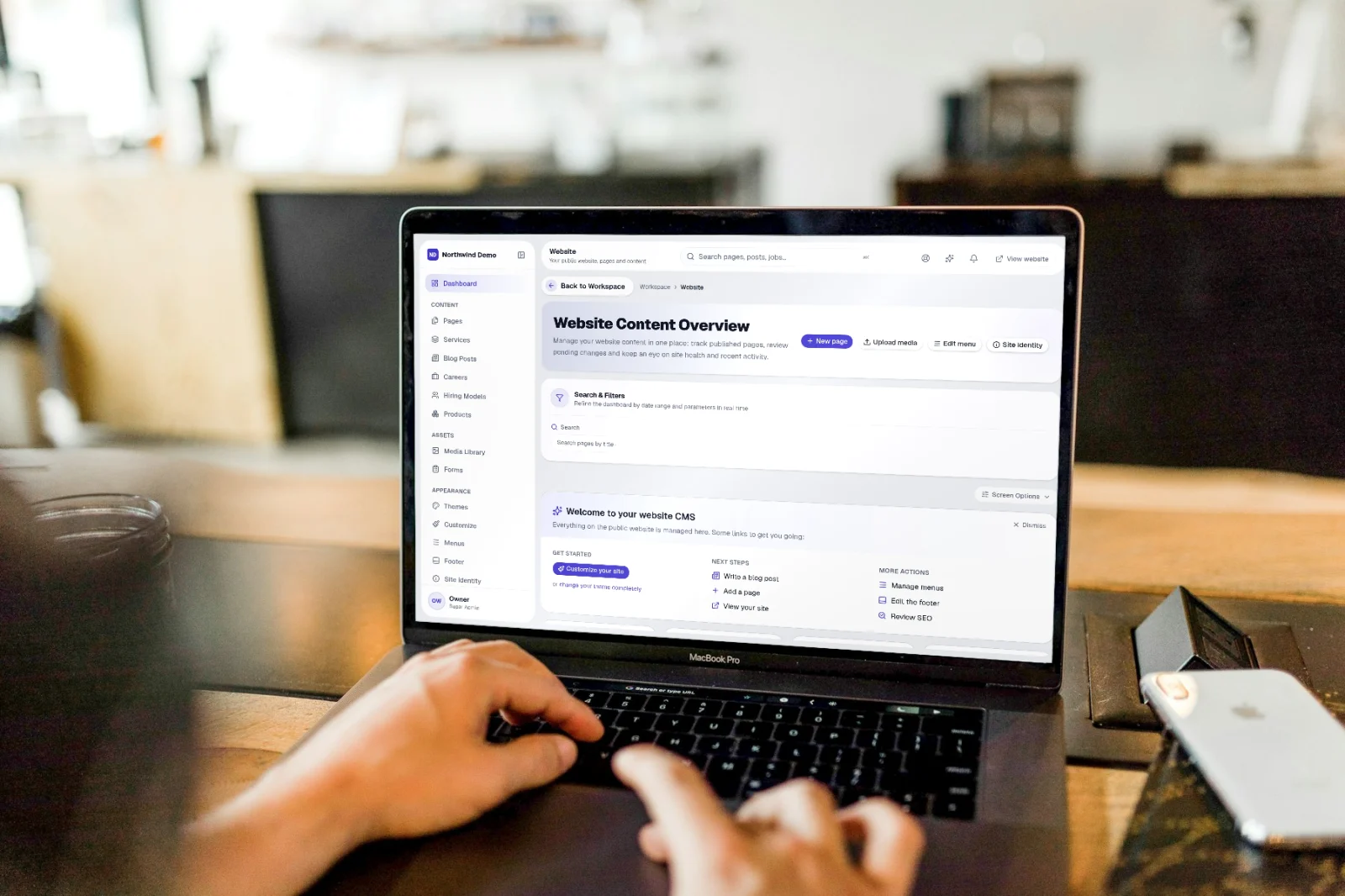
Start simple: launch your core three pages (Home, About, and Contact) today rather than delaying your launch to write fifty articles. You can always add blog posts, case studies, and career openings later from the CMS.
Test your contact form on your mobile phone before sharing your link on social media. Verify that you receive the notification and that the customer gets a friendly confirmation message.
Add your live website URL to your email signature, LinkedIn profile, and business cards so every professional interaction directs potential clients straight to your branded presence.
Written by Product Team
SelfRun AI offers independent products for your website, leads, project delivery, payroll, and finance, managed as a suite under your own brand.
Start automating your business with SelfRun AI
All 20+ modules included on our free plan. Launch your website, manage your sales pipeline, and run payroll with zero complexity.