
How to Add a 24/7 AI Customer Support Chatbot to Your Website
Key Takeaways
- Over 60% of website visitors bounce if they cannot find answers to basic pricing and service questions immediately.
- SelfRun AI's chatbot trains directly on your website pages, FAQs, and uploaded service documentation.
- The bot provides accurate answers without hallucinating unsupported claims or making up discounts.
- Every meaningful conversation captures contact details and deposits a qualified lead directly into your CRM.
Why Traditional Website Chat Widgets Fail
Most website live chat widgets fall into two disappointing categories: old-fashioned static bots that make visitors click through frustrating decision trees, or live human widgets that display 'We usually reply in a few hours' when someone visits at 9:00 PM.
In a global digital market, potential customers research your services outside your business hours. When they cannot find quick answers to essential questions—such as your pricing tiers, turnaround times, or technical integrations—they close the tab and visit your competitor.
An intelligent AI chatbot trained specifically on your company's knowledge base bridges this gap by answering visitor questions instantly, twenty-four hours a day, seven days a week.
Training Your AI Bot on Your Real Business Knowledge
The greatest concern business owners have with AI chatbots is accuracy: 'What if the bot makes up false pricing or promises features we do not offer?'
SelfRun AI solves this through strict source grounding. You populate your chatbot's Knowledge Base (KB) by connecting your website pages, product catalogs, FAQ documents, and service guidelines. When a visitor asks a question, the AI searches your verified records and constructs a clear, friendly answer using only your authentic information.
If a visitor asks about something not covered in your knowledge base, the bot politely states that it does not have that detail and offers to connect them with a human specialist.
Customizing the Chat Widget to Match Your Brand
Your chat widget should look like a natural extension of your company website, not an intrusive third-party popup.
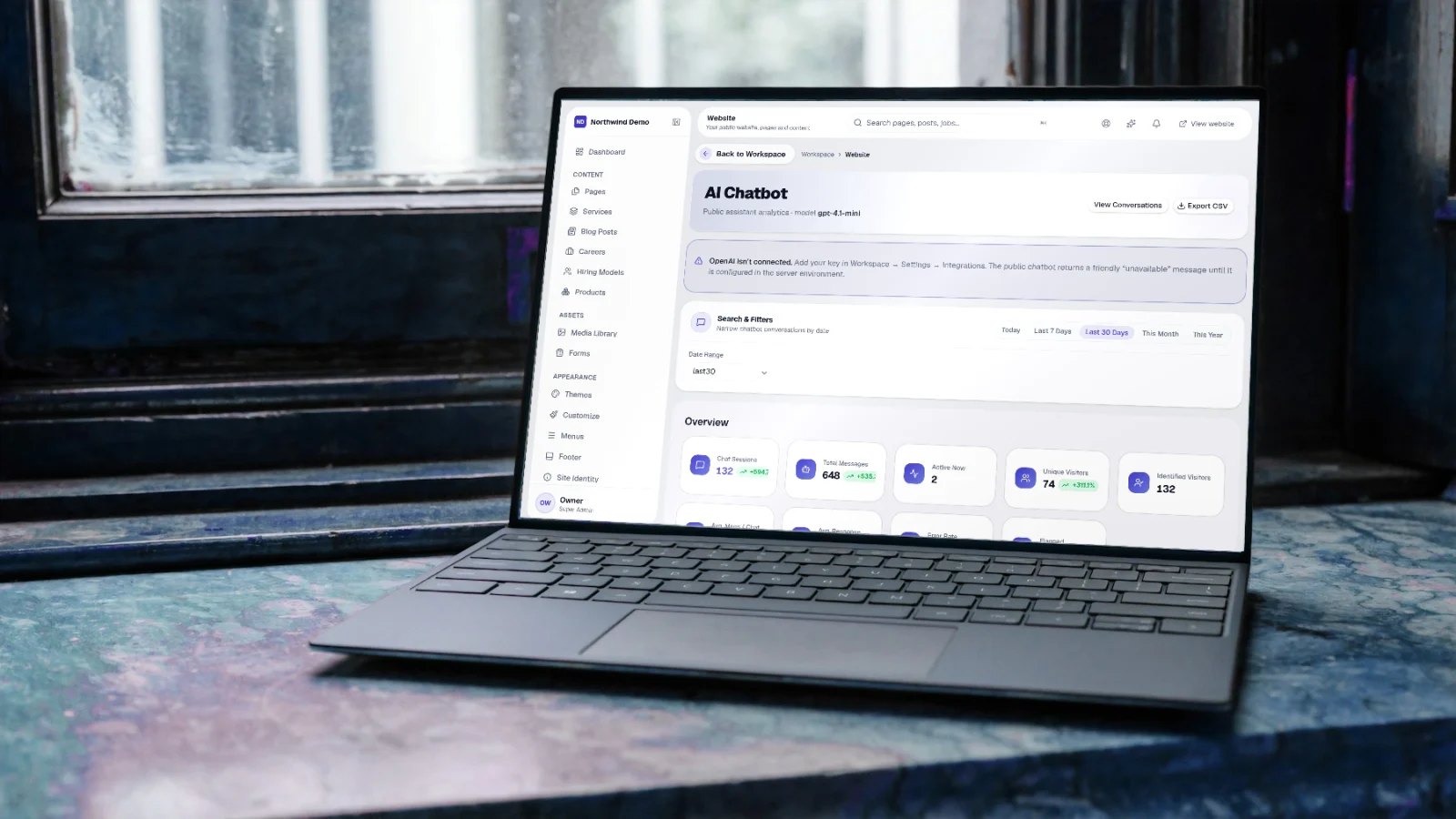
Inside the Website CMS product, you can customize the bot's avatar, welcome greeting, accent color, position (bottom-right or bottom-left), and tone of voice (warm and friendly, concise and professional, or technically detailed). You can also set suggested prompt chips, such as 'View Pricing Plans', 'How does onboarding work?', or 'Schedule a Demo'.
Turning Conversations into Qualified CRM Leads
A great support bot does more than answer questions; it acts as an active sales assistant. When a visitor asks an in-depth question about your enterprise plans or requests a tailored quote, the chatbot smoothly asks: 'I would be happy to have our solutions specialist send you the full breakdown. What is the best email address and phone number to reach you?'
The moment the visitor types their details, SelfRun AI creates a lead card in your SelfRun DealFlow AI pipeline, tags it as 'Chatbot Inquiry', and attaches the full conversation transcript so your sales team knows the prospect's exact requirements before picking up the phone.
Seamless Escalation to Human Support
AI should empower your human team, not replace human connection where it matters most. If a customer expresses frustration or specifically requests to speak with a human agent, the bot creates a priority ticket in SelfRun ResolveIQ.
Your customer support team receives an immediate notification with the conversation history and can take over the chat live or follow up via email within minutes.
Five Tips for Launching Your Website AI Bot
Start with your ten most frequent customer questions: include your pricing, return policies, service delivery timelines, and office locations in your knowledge base.
Test the bot yourself before going live: ask tricky questions and verify that the bot's answers remain strictly accurate and polite.
Review your chat transcripts weekly: look for questions visitors asked that the bot could not answer, and add those answers to your knowledge base to make the bot smarter over time.
Written by Product Team
SelfRun AI offers independent products for your website, leads, project delivery, payroll, and finance, managed as a suite under your own brand.
Start automating your business with SelfRun AI
All 20+ modules included on our free plan. Launch your website, manage your sales pipeline, and run payroll with zero complexity.