Loading…
Fetching your data…
SelfRunBusiness
Securing your session…
Fetching your data…
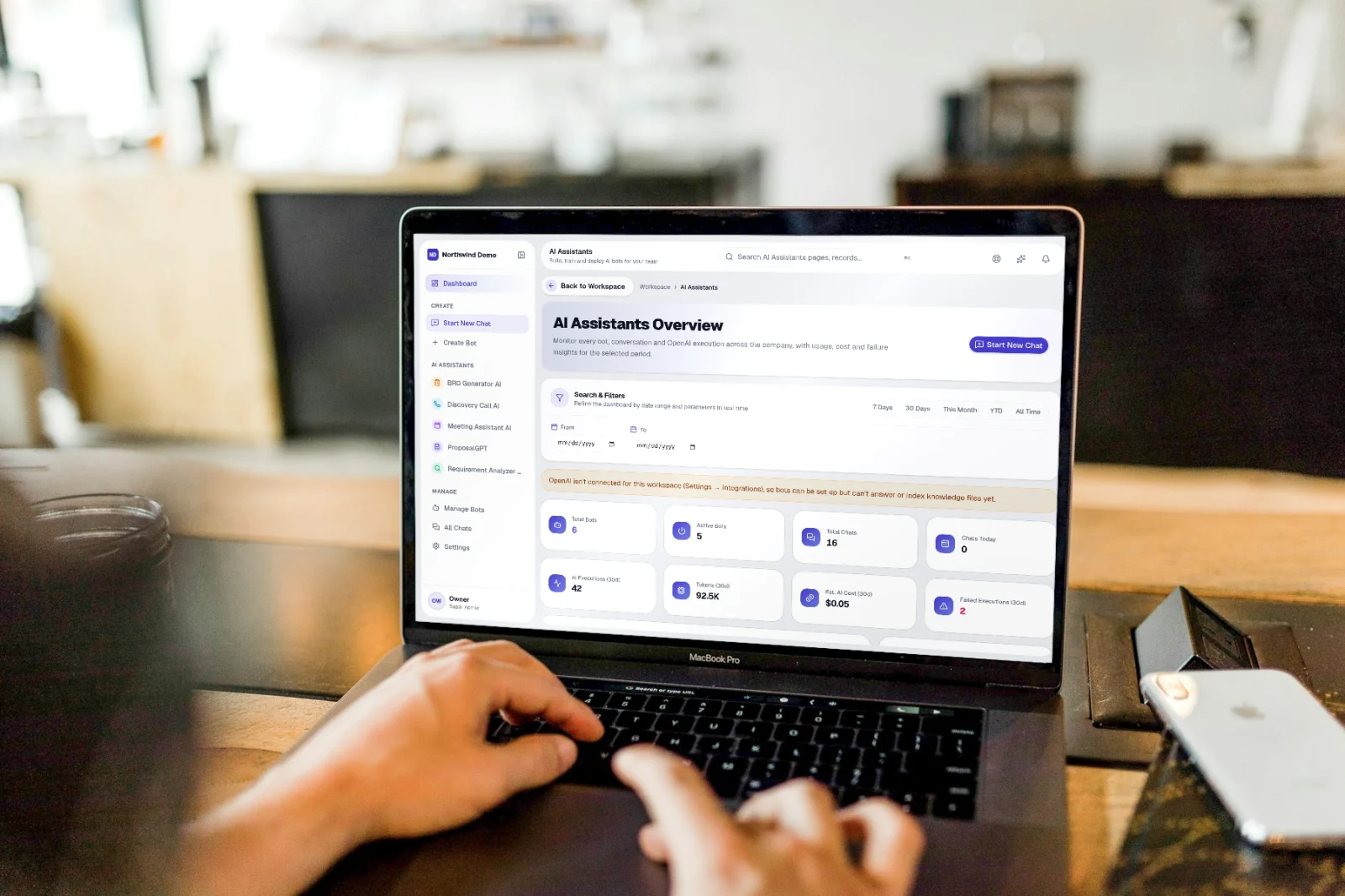
Start a bot chat is part of SelfRun AgentOS. Open a bot conversation and exchange messages. This guide takes you through it in 3 short steps.
Where it fits in your work — Create. Name the bot, write its instructions and upload its knowledge.
Step 1
Open SelfRun AgentOS
Sign in and open the SelfRun AgentOS product from your Workspace dashboard (or sign in to it directly). You see only what your role allows.
Step 2
Open Start a bot chat
The mapped screen route is /agentos/b/:botId. Open the relevant record first, then use the available action to reach this screen.
Step 3
Use Start a bot chat
Open a bot conversation and exchange messages. The exact actions shown can depend on your role and the records available in your workspace.
Open SelfRun AgentOS → Open Start a bot chat → Use Start a bot chat
SelfRun SiteCraft AI
The website chatbot answers visitors from your knowledge base.
SelfRun DataBrain AI
Ask questions of your business data.
SelfRun ResolveIQ
Hand over to a person when the bot is unsure.
SelfRun AgentOS replaces ai chatbot builders and runs independently with its own sign-in and database.
Bot builders
Write instructions and add knowledge files.
Managers
Review chats and control who can use which bot.
Staff
Chat with the assistants they have access to.
Customers
Get answers from bots set to open access.
FAQs
About Start a bot chat and SelfRun AgentOS.
Your role may not include it. Ask your workspace owner to open Workspace → Users and give your role access to SelfRun AgentOS.
Yes. SelfRun AI works in the browser on any device and can be installed as an app on Android, iOS and desktop, with the same screens and the same data.
No. Start a bot chat comes with the SelfRun AgentOS product, and every product is included in every plan.
SelfRun AI is a cloud platform that brings your sales, HR, finance, projects, procurement, training, documents, website and team communication into one system, with AI and workflow automation running through all of it.
No. Each plan includes a set of modules and you switch on only what you need during setup. You can turn modules on or off later from your workspace settings.
Yes. The Free plan is free forever and includes every product and every feature — no card needed. Paid plans add more people and bigger storage, AI, email and voice allowances.